
How it works.
1. Browse by role
Skills are organized by GTM role: sellers, RevOps, marketing, GTM engineers. Filter the directory to find skills built for your job, not generic AI prompts.

2. Preview before you install
Every skill page shows what the skill does before you add it: trigger phrases, output format, an example run.
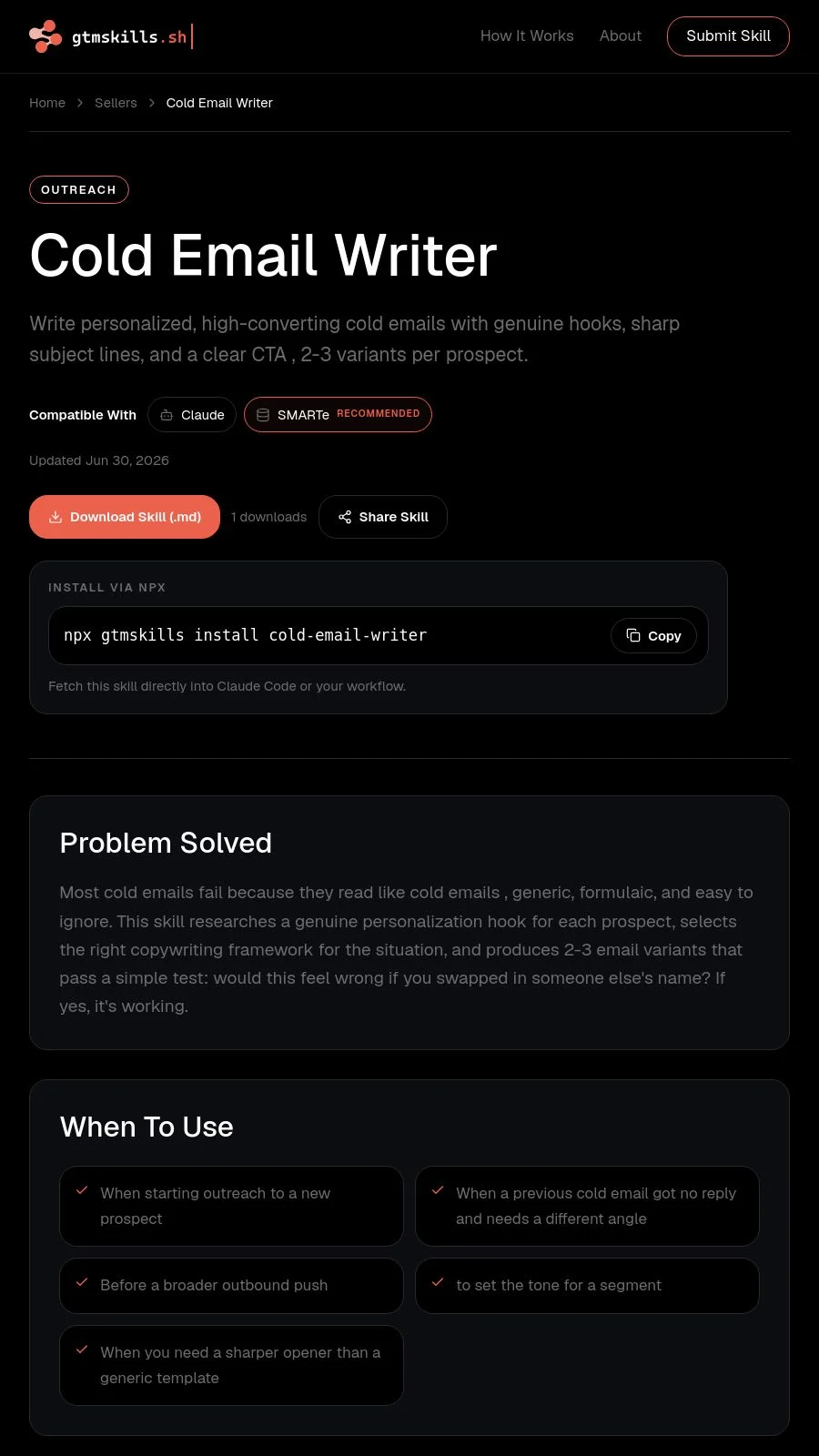
3. Install
Two paths, depending on how you use Claude.
Coding agents (Claude Code, Cursor, Windsurf, GitHub Copilot)
Install the full library:
npx skills add smarte-skills/gtm-skillsOr install one skill:
npx skills add smarte-skills/gtm-skills --skill cold-email-writerClaude directly, no coding agent
- 1
In Claude, turn on Code execution and file creation in Settings → Capabilities (Free, Pro, Max), or confirm it's on at the org level (Team, Enterprise)
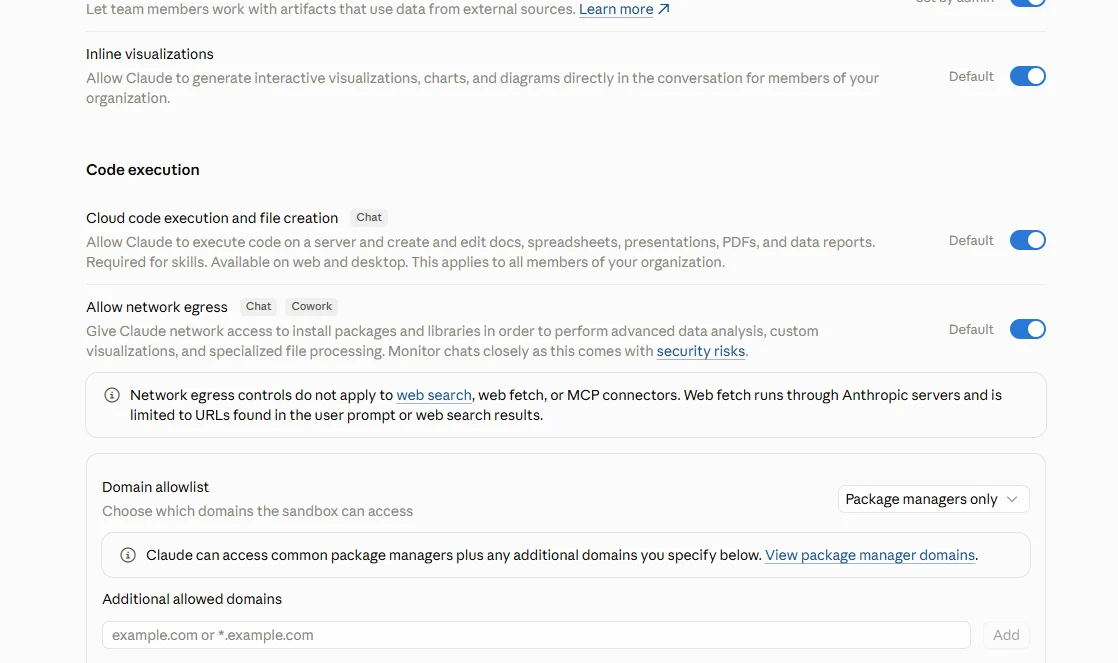
- 2
Find the skill you want on gtmskills.sh and download the .md file
- 3
In Claude, go to Customize → Skills
4Click "+", then "Create skill," then "Upload a skill"
5Upload the file you downloaded
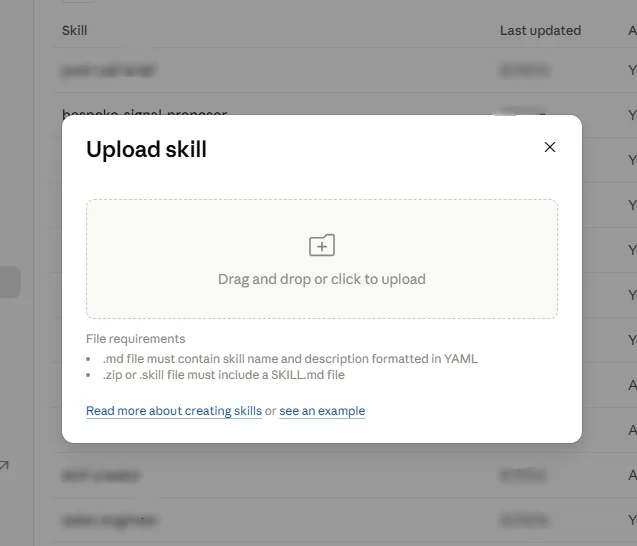
- 6
Toggle the skill on
4. Use it
No prompts to write. Ask Claude to do the job in plain language: write a cold email for [prospect]. The skill takes it from there.
5. Works better with SMARTe
Some skills use SMARTe's data for things like verified contact info or account enrichment. None require it. By default they run on Claude's own reasoning and web research and get more accurate with SMARTe connected. Nothing fetches from SMARTe without asking first.